Installation
Install the battery and connect it to the motherboard. Connect to Wi-Fi, then go to Settings → General → Parts & Service History and tap “Reboot and Finish Repair”. Restart the device after setup. Battery Health will display 100%.
Installation
Install the battery and connect it to the motherboard. Connect to Wi-Fi, then go to Settings → General → Parts & Service History and tap “Reboot and Finish Repair”. Restart the device after setup. Battery Health will display 100%.
Installation
Install the battery and connect it to the motherboard. Connect to Wi-Fi, then go to Settings → General → Parts & Service History and tap “Reboot and Finish Repair”. Restart the device after setup. Battery Health will display 100%.
Installation
Install the battery and connect it to the motherboard. Connect to Wi-Fi, then go to Settings → General → Parts & Service History and tap “Reboot and Finish Repair”. Restart the device after setup. Battery Health will display 100%.
Installation
Install the battery and connect it to the motherboard. Connect to Wi-Fi, then go to Settings → General → Parts & Service History and tap “Reboot and Finish Repair”. Restart the device after setup. Battery Health will display 100%.
Installation
Install the battery and connect it to the motherboard. Connect to Wi-Fi, then go to Settings → General → Parts & Service History and tap “Reboot and Finish Repair”. Restart the device after setup. Battery Health will display 100%.
JCID A3018 Battery for iPhone 15 Pro 3420mAh | 3.879V | 13.30Wh | 0 Cycle | Self-Diagnosing BMS High-quality JCID 2nd Gen Increased Capacity Lithium Polymer Battery for iPhone 15 Pro. Features self-diagnosing BMS, long endurance, durable construction, and comes with adhesive. Compatible: iPhone 15 Pro — A3094 / A2847 / A3093 / A3096 APN: Universal Features: Self-Diagnosing BMS • 0 Cycle • High Quality • Long Endurance • Hard to Deform • Adhesive Included
Installation
Install the battery and connect it to the motherboard. Connect to Wi-Fi, then go to Settings → General → Parts & Service History and tap “Reboot and Finish Repair”. Restart the device after setup. Battery Health will display 100%.
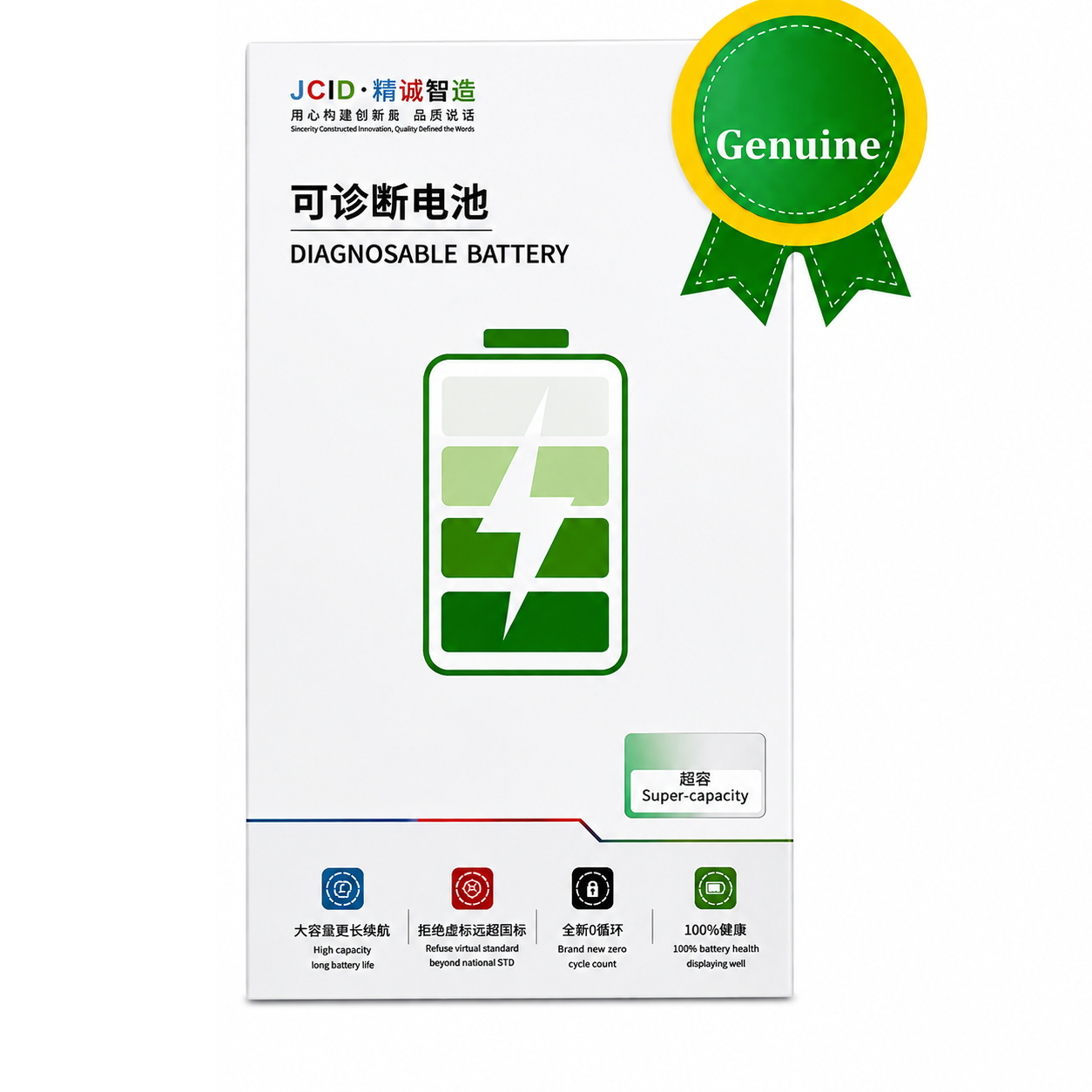
JCID A3121 4780mAh Self-Diagnosable 2nd Gen Battery for iPhone 15 Pro Max Upgrade your iPhone 15 Pro Max with the JCID A3121 Self-Diagnosable 2nd Generation Increased Capacity Battery, designed for reliable performance, long-lasting power, and improved battery endurance. With a 4780mAh increased capacity, this JCID battery provides extended usage throughout the day. It features a Self-Diagnosing BMS (Battery Management System) for intelligent battery monitoring and reliable operation.
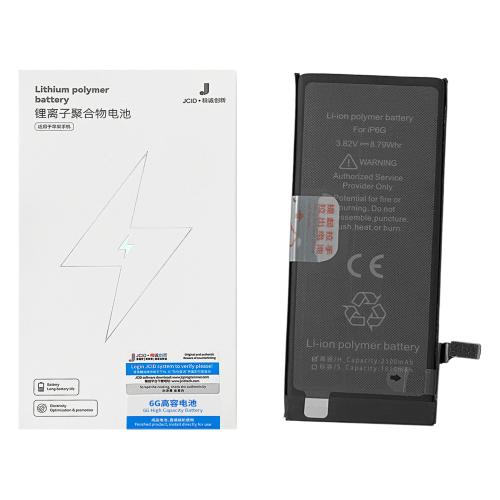
**BATTERY iPhone 6 (JCID) SUPER CAPACITY** Capacity: 2300mAh Voltage: 3.82V Charging Cycles: 0 APN: Universal Compatible with Apple iPhone 6 A1549 A1586 A1589 (2014)
Installation
Install the battery and connect it to the motherboard. Connect the device to Wi-Fi, then go to **Settings → General → Parts & Service History** and tap **”Reboot and Finish Repair”**. Restart the device after setup. Battery Health will display **100%**.
Compatible with Apple iPhone 6 Plus A1522 A1524 A1593 (2014)
Installation
Install the battery and connect it to the motherboard. Connect the device to Wi-Fi, then go to Settings → General → Parts & Service History and tap “Reboot and Finish Repair”. Restart the device after setup. Battery Health will display 100%.
Compatible with Apple
iPhone 6S A1633 A1688 A1700 (2015)
Installation
Install the battery and connect it to the motherboard. Connect the device to Wi-Fi, then go to Settings → General → Parts & Service History and tap “Reboot and Finish Repair”. Restart the device after setup. Battery Health will display 100%.