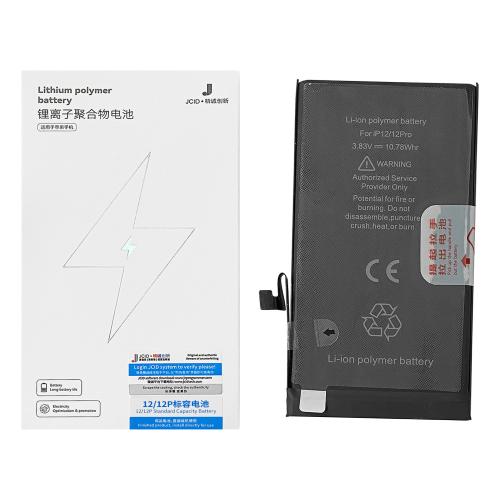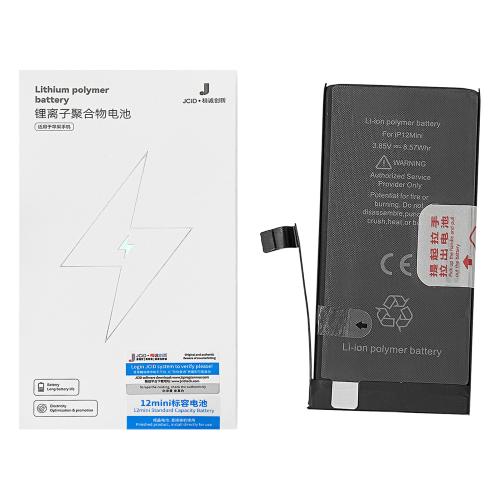

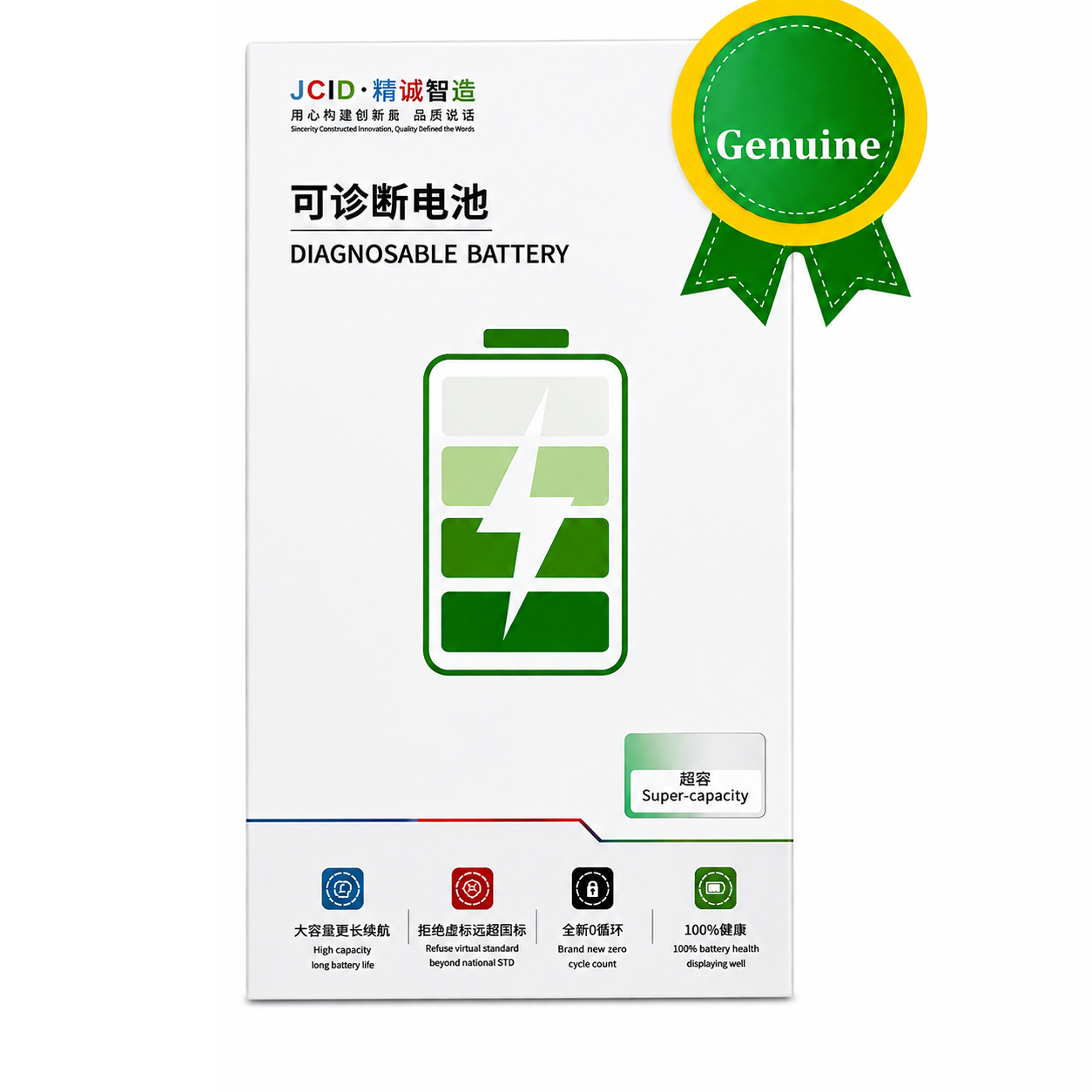
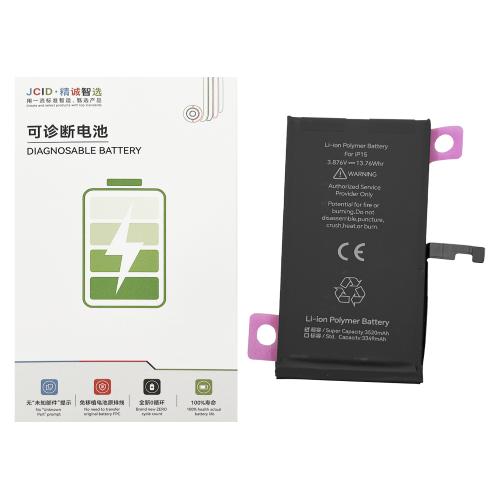
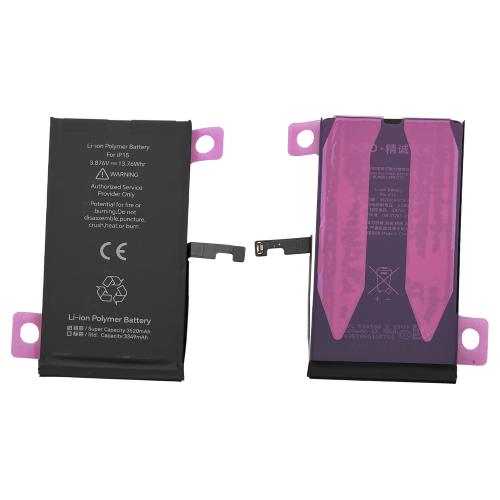
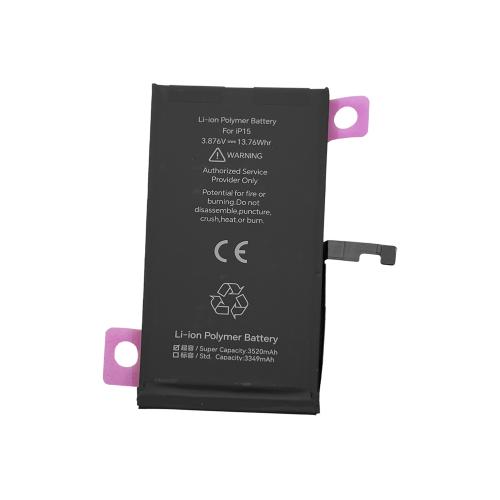
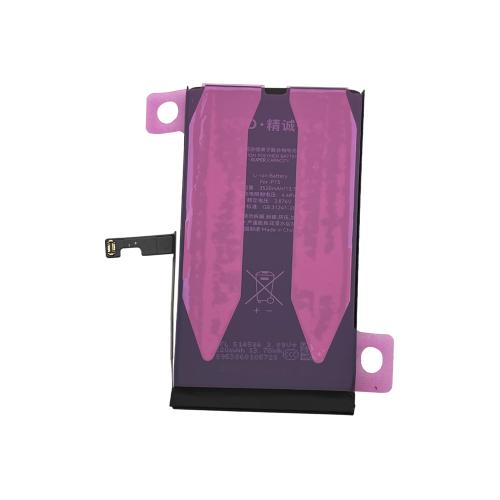
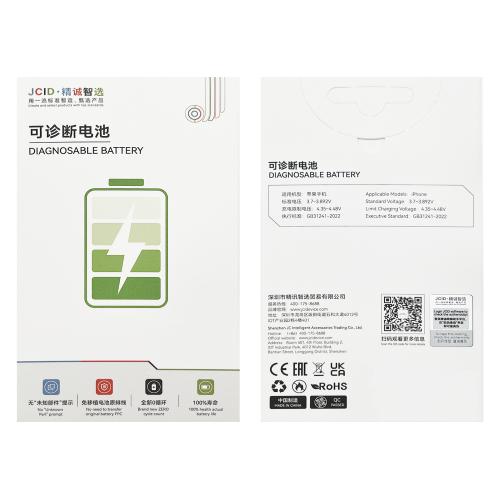
iPhone 15 JCID Super Capacity
iPhone 15 JCID Super Capacity Battery
Model: A3018
Capacity: 3520mAh
Voltage: 3.876V
Power: 13.76Whr
Charging Cycles: 0
Installation
Install the battery and connect it to the motherboard. Connect to Wi-Fi, then go to Settings → General → Parts & Service History and tap “Reboot and Finish Repair”. Restart the device after setup. Battery Health will display 100%.
iPhone 15 JCID Super Capacity Battery
Model: A3018
Capacity: 3520mAh
Voltage: 3.876V
Power: 13.76Whr
Charging Cycles: 0
Installation
Install the battery and connect it to the motherboard. Connect to Wi-Fi, then go to Settings → General → Parts & Service History and tap “Reboot and Finish Repair”. Restart the device after setup. Battery Health will display 100%.
No reviews yet.
Add a review
Your email address will not be published. Required fields are marked *