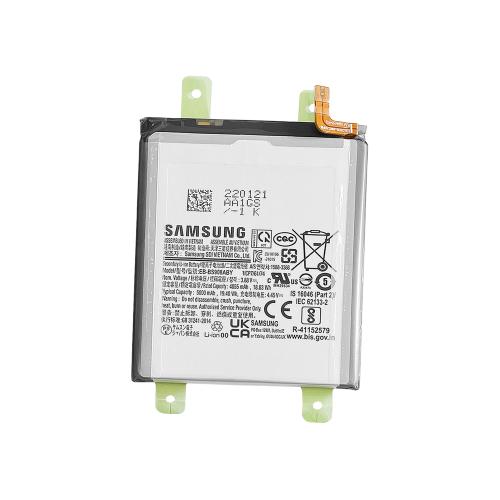
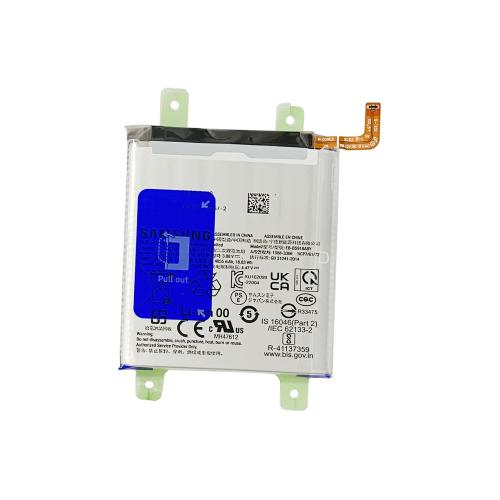
Compatible with Apple
iPhone 7 A1660 A1778 A1779 (2016)
Installation
Install the battery and connect it to the motherboard. Connect the device to Wi-Fi, then go to Settings → General → Parts & Service History and tap “Reboot and Finish Repair”. Restart the device after setup. Battery Health will display 100%.
Compatible with Apple
iPhone 7 Plus A1661 A1784 A1785 (2016)
Installation
Install the battery and connect it to the motherboard. Connect the device to Wi-Fi, then go to Settings → General → Parts & Service History and tap “Reboot and Finish Repair”. Restart the device after setup. Battery Health will display 100%.
Compatible with Apple
iPhone 8 A1863 A1905 A1906 (2017)
Installation
Install the battery and connect it to the motherboard. Connect the device to Wi-Fi, then go to Settings → General → Parts & Service History and tap “Reboot and Finish Repair”. Restart the device after setup. Battery Health will display 100%.
Compatible with Apple
iPhone 8 Plus A1864 A1897 A1898 (2017)
Installation
Install the battery and connect it to the motherboard. Connect the device to Wi-Fi, then go to Settings → General → Parts & Service History and tap “Reboot and Finish Repair”. Restart the device after setup. Battery Health will display 100%.
Compatible with Apple
iPhone X A1865 A1901 A1902 (2017)
Installation
Install the battery and connect it to the motherboard. Connect the device to Wi-Fi, then go to Settings → General → Parts & Service History and tap “Reboot and Finish Repair”. Restart the device after setup. Battery Health will display 100%.
Compatible with Apple
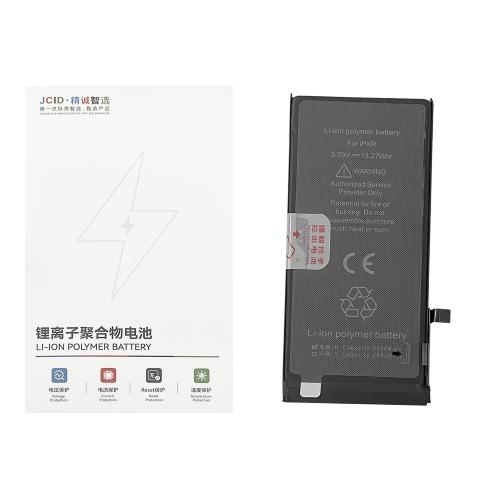
iPhone XR A1984 A2105 A2106 A2108 (2018)
Installation
Install the battery and connect it to the motherboard. Connect the device to Wi-Fi, then go to Settings → General → Parts & Service History and tap “Reboot and Finish Repair”. Restart the device after setup. Battery Health will display 100%.
Compatible with Apple
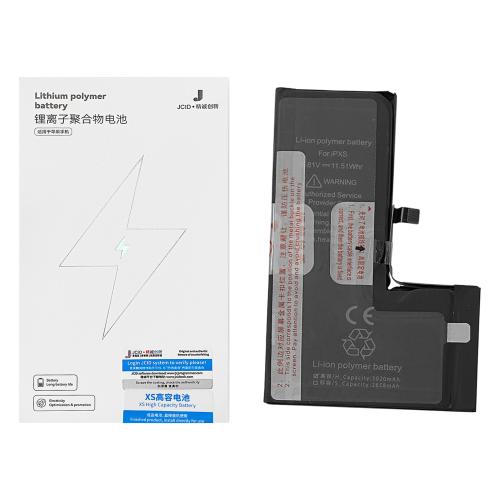
iPhone XS A1920 A2097 A2098 A2100 (2018)
Installation
Install the battery and connect it to the motherboard. Connect the device to Wi-Fi, then go to Settings → General → Parts & Service History and tap “Reboot and Finish Repair”. Restart the device after setup. Battery Health will display 100%.
Compatible with Apple
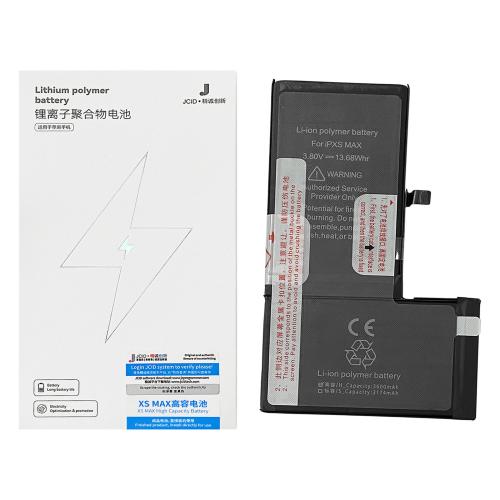
iPhone XS Max A1921 A2101 A2102 A2103 A2104 (2018)
Installation
Install the battery and connect it to the motherboard. Connect the device to Wi-Fi, then go to Settings → General → Parts & Service History and tap “Reboot and Finish Repair”. Restart the device after setup. Battery Health will display 100%.