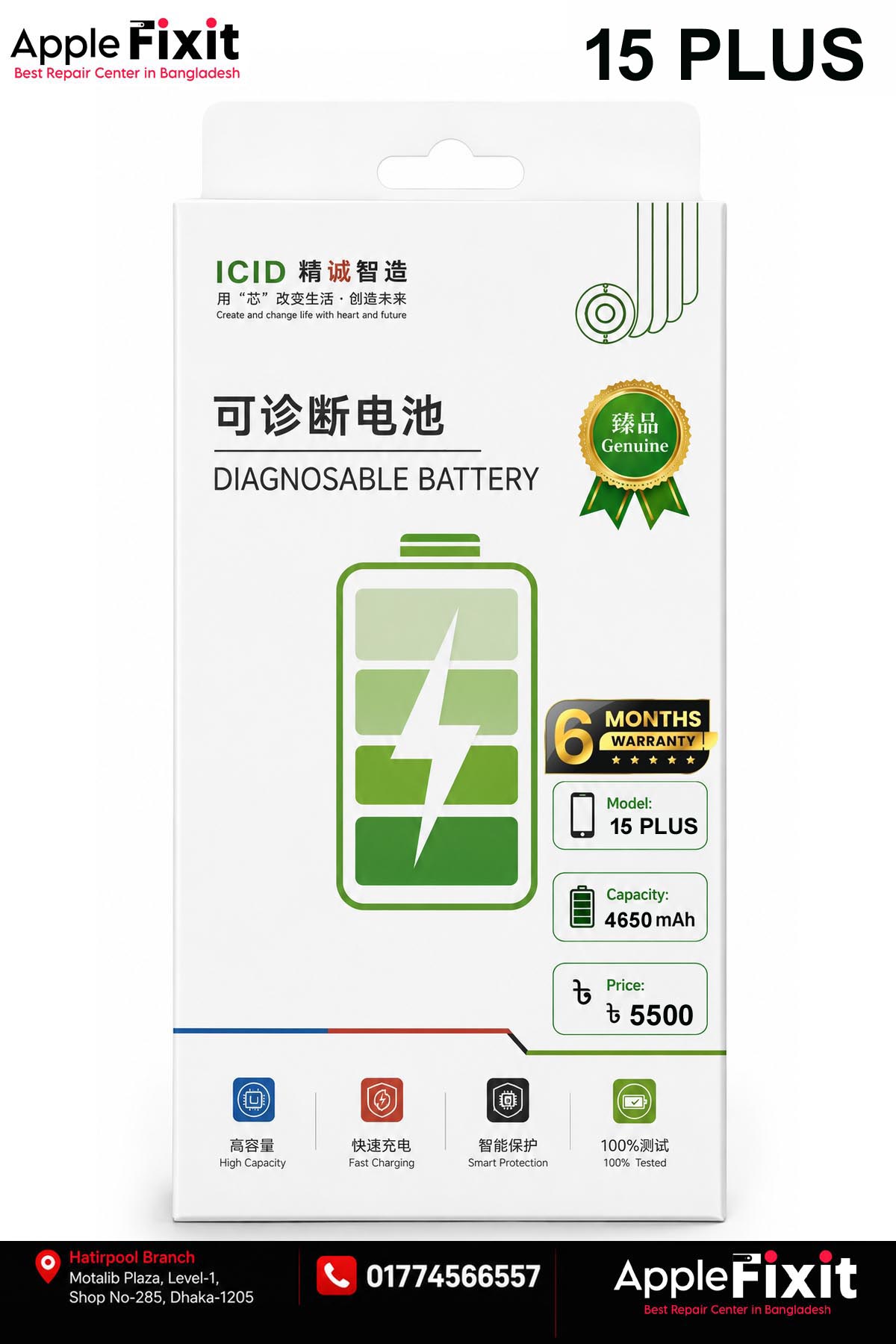


IPHONE 15 PLUS BATTERY (JCID)
Installation Guide:
– Insert the Self-diagnosable battery into the device and connect it to the motherboard
– Turn on the device via the On/Off button
– Connect to WiFi or GSM Network
– Go to Settings > General > Parts and Service History > Reboot and Finish Repair
– In the Repair and Service area, continue the setup, connect to WiFi, accept Privacy
– Wait for the automatic setup and the battery will be detected correctly.
– Continue and Reboot to get the complete replacement without error message and maximum capacity.
– Once the installation is finished in the settings you will find Battery Capacity 100%
Capacity: 4650mAh
Volts: 3.867V 17.98Whr
Charging cycles: 0
APN: UniversalCompatible for Apple
iPhone 15 Plus A3094 A2847 A3093 A3096 (2023)
Features:
– Lithium Polymer Battery
– High Quality
– Long Endurance
– With Self-Diagnosing BMS
No reviews yet.
Add a review
Your email address will not be published. Required fields are marked *